How to design a 3D printed stand that won't tip over
Updated 19 November 2026
Keep the combined centre of mass of the stand and what it holds well inside its footprint, so it can tilt at least 20° before it tips: widen the base towards the side it tips, and keep the load low and towards the middle. When parts rest on each other, such as a model on a stand sitting in a plinth's pocket, check every contact in the stack, not only the one on the table.
Why stands tip
Anything standing on a table tips when its centre of mass moves past the edge of its footprint. The footprint is the outline of everything touching the table. The centre of mass is the balance point of the stand and what it holds, and the held object usually dominates: a phone, a tablet or a heavy model often weighs several times the plastic under it.
The angle it can lean before tipping is a simple ratio. If the combined centre of mass is h mm above the table and d mm in from the edge it would tip over, the tip angle is atan(d / h). A centre of mass 60 mm up and 22 mm in from the front edge tips at about 20°.
Aim for 20° before tipping
20° or more leaves a margin for a nudge, a cable tugging at it, or a finger tapping a phone screen. Between 10° and 20° it stands but tips easily; under 10°, expect it to fall over. To get more:
- Widen the base towards the side it tips. A phone stand tips backwards when you tap the screen, so its base needs length behind the phone, not in front.
- Keep the load low. Halving the height of the centre of mass roughly doubles how far it can lean before tipping, for small angles.
- Keep the load towards the middle of the footprint, not out on an arm.
- Add weight low down. A thicker base, or higher infill in the base only, lowers the centre of mass. Weight in the top makes it worse.
Declare the load in the design
A stand is only stable with something on it, so the design should say what that is. In ScadBox's design guide, the mass is a customizer parameter (people put different things on stands) and its position is derived from the geometry:
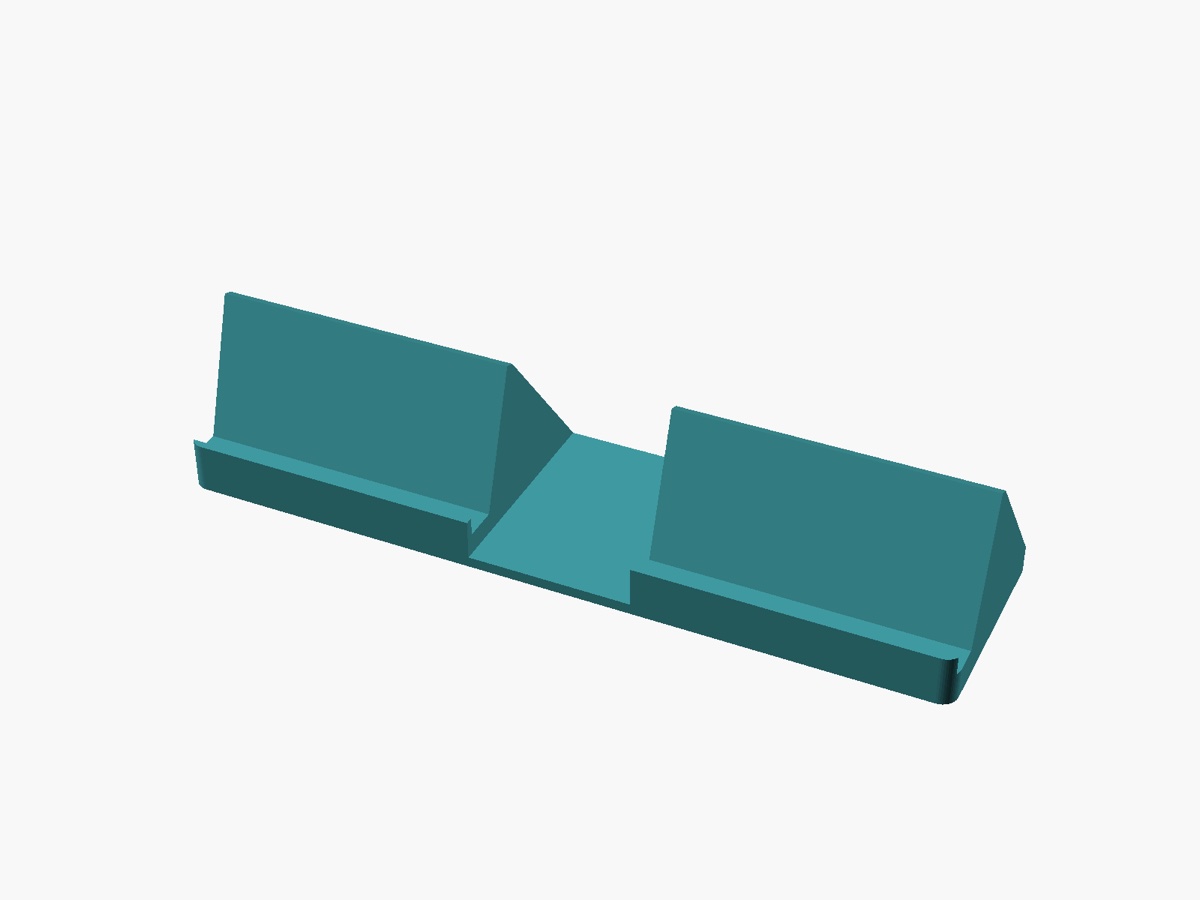
// A phone stand: a base with a front lip and a back rest leaning back.

/* [Stand] */
// Width of the stand
stand_w = 80;        // [40:1:160]
// Depth of the base, front to back
base_d = 90;         // [40:1:200]
// Thickness of the base and back rest
plate_t = 4;         // [2:0.5:10]
// Distance from the front edge to the back rest
rest_y = 25;         // [10:1:80]
// Length of the back rest
rest_l = 100;        // [40:1:200]
// How far the back rest leans back from upright
lean = 20;           // [5:1:45]
// Height of the lip that stops the phone sliding off
lip_h = 12;          // [4:1:30]

/* [Load] */
// Mass of what it holds (kg)
load_mass = 0.2;     // [0.05:0.05:2]

/* [Hidden] */
// Roughly the middle of a phone resting on the back rest
load_point = [0, rest_y + sin(lean) * rest_l / 2, plate_t + cos(lean) * rest_l / 2];

module stand(w = stand_w, d = base_d, t = plate_t) {
    translate([-w / 2, 0, 0]) {
        cube([w, d, t]);
        cube([w, t, lip_h]);
        translate([0, rest_y, 0]) rotate([-lean, 0, 0]) cube([w, t, rest_l]);
    }
}

stand();
echo(rest_top_y = rest_y + sin(lean) * rest_l);
Check it with the stability tool
With ScadBox's MCP server connected, an AI agent such as Claude Code runs stability on a free-standing design. It estimates the mass and centre of mass of the printed part from its volume and material, adds the declared load, finds the footprint on the table, and reports:
- whether it stands at all,
- the tilt at which it tips over, and which way it falls,
- the sideways push at the top that tips it, in newtons and grams.
A tip angle of 20° or more passes, 10° to 20° is a warning, and less fails. The agent then changes the design, usually the base, and checks again. These are estimates for a solid part: infill changes the plastic's weight, so treat them as a way to compare designs and catch problems, and try the print with the real object.
Stacks of parts and pockets
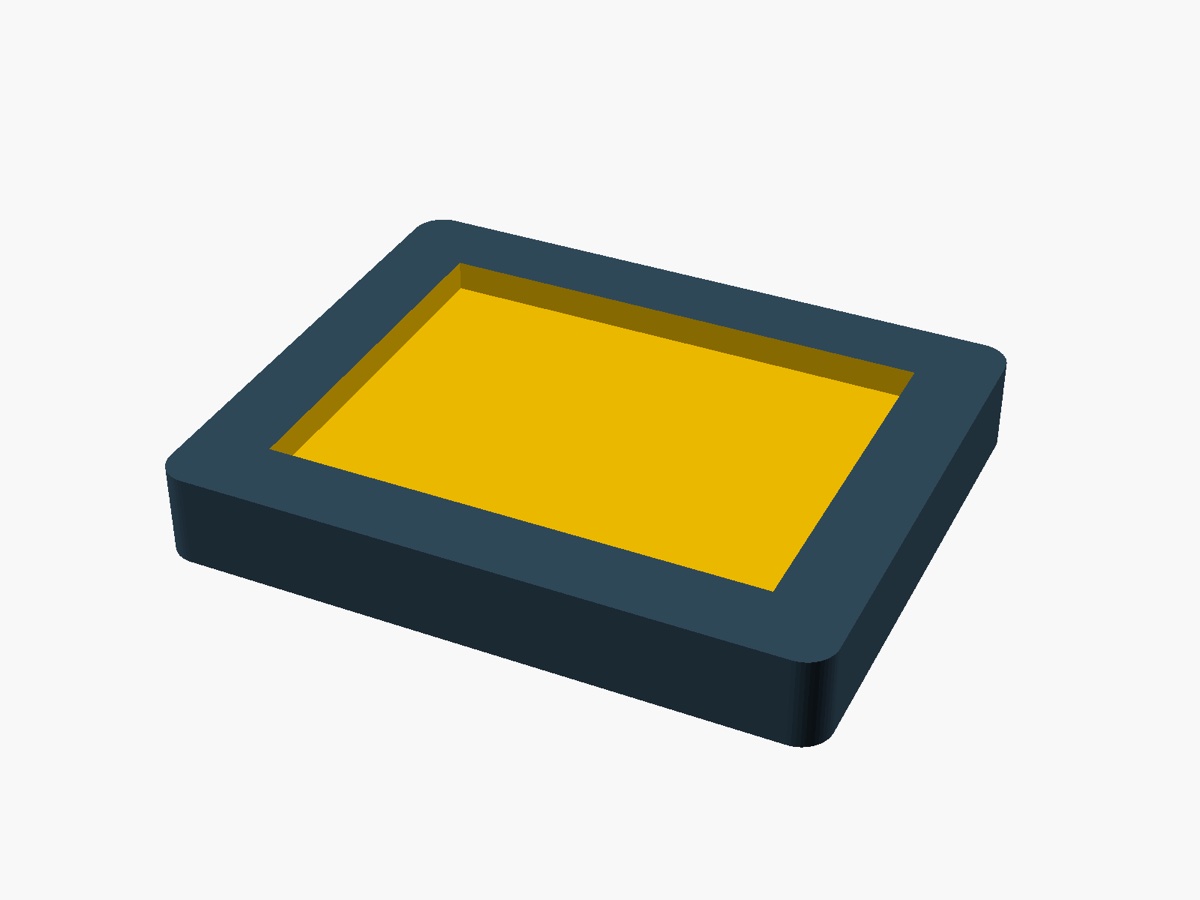
Display pieces are often several parts resting on each other: a model on a stand, the stand sitting in a pocket in a plinth, the plinth on the table. Each contact can fail on its own. A plinth can be rock steady on the table while the stand rocks out of its pocket.
For a design with several parts in its part options, stability renders each part on its own in the assembled layout, works out what each one rests on, and checks every contact from the bottom up, each with the weight of everything above it. For a part sitting in a pocket, it also reports how far it can rock before the pocket's wall stops it, so you can tell a stand that settles back into place from one that tips out. Parts that aren't printed plastic, such as a die-cast model or a metal weight, are given their real mass with the masses argument.
To make a pocket hold better, make it deeper or tighter. A tighter pocket stops the part sooner; use fit_slide for its clearance so it still goes in (see 3D print tolerances).
Measure what it holds
The check is only as good as the numbers in it. Weigh the object on a kitchen scale and measure it; if you only have a photo, see measuring an object from a photo.
Questions
- What tip angle should a 3D printed stand have?
- Aim for at least 20 degrees of tilt before it tips over. Between 10 and 20 degrees it stands but tips easily, and under 10 degrees it is likely to fall over.
- How do I stop a phone stand tipping backwards?
- Extend the base further behind the phone, make the back rest more upright so the phone's weight sits further inside the base, or make the base heavier. Tapping the screen pushes the phone backwards, so that side needs the most room.
- Does infill affect how stable a print is?
- Yes. Infill changes how much the printed part weighs. Extra weight low in the base helps; extra weight high up makes it easier to tip.
- How do I check a stand that sits in a plinth's pocket?
- Check each contact separately, from the table upwards, with the weight of everything above it. ScadBox's stability tool does this and reports how far a part can rock in its pocket before the wall stops it.