 ScadBox
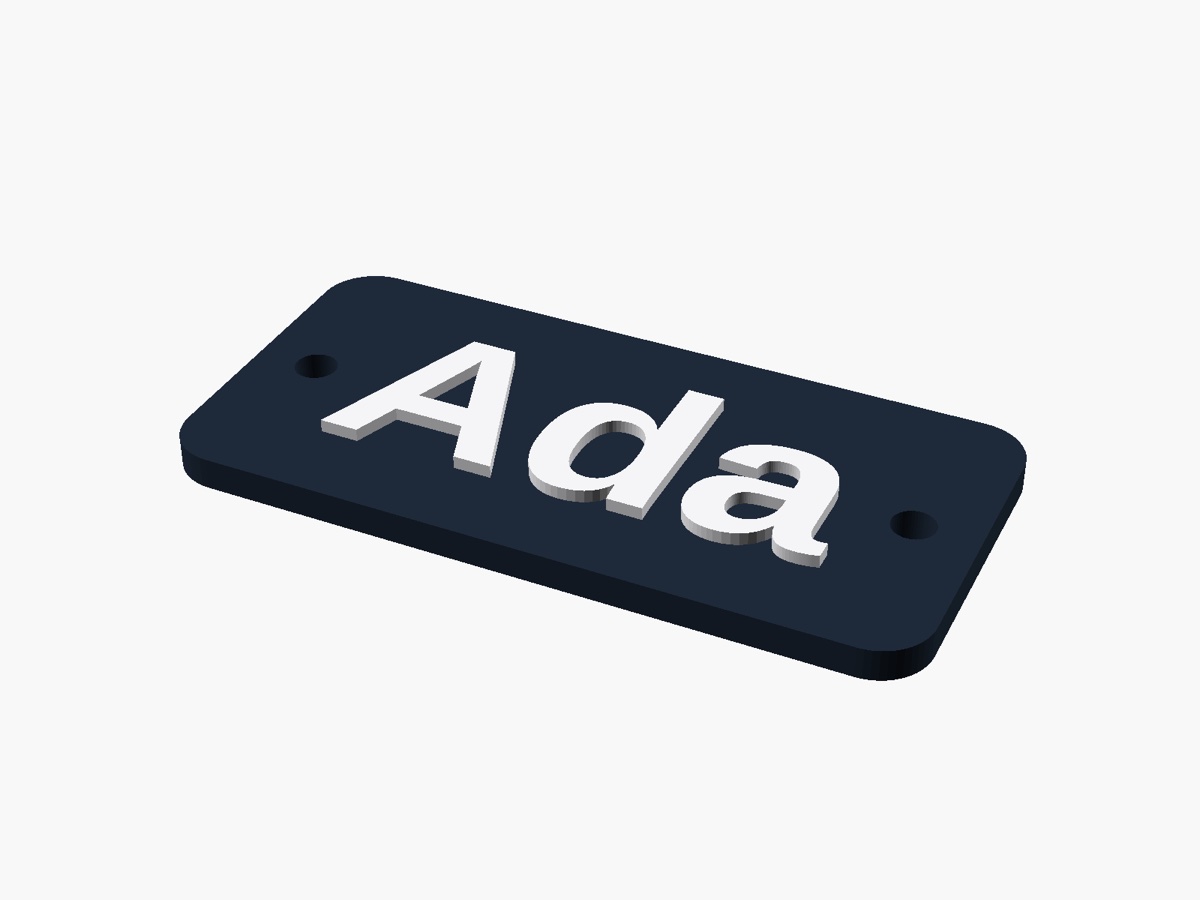
Name sign
Raised letters in a second colour, printed with one filament change. Pick the font from your own fonts.
OpenSCAD for the Mac
ScadBox is a native Mac app for designing 3D prints in OpenSCAD: write code and see the model at once, change it with sliders, and check it before you print. Its built-in MCP server lets agents like Claude Code render, see, test and export your designs too.


Free on the Mac App Store · macOS 15 or later on Apple silicon
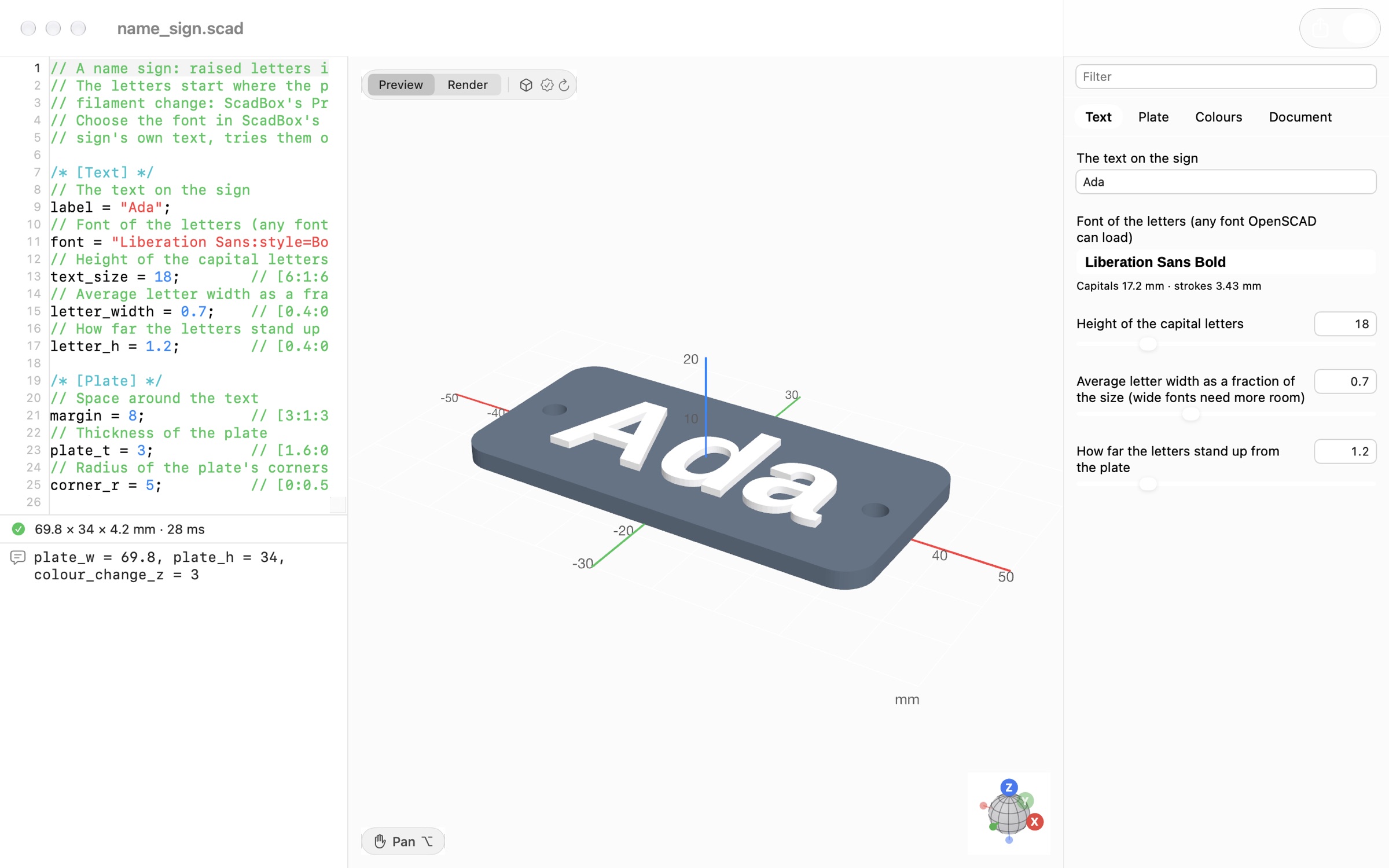
The editor
A fast, native Mac app around OpenSCAD's own renderer, so your .scad files work exactly as they always have.
The MCP server
An agent alone writes OpenSCAD blind. With ScadBox it renders, looks, measures and checks, then fixes what it finds.
The editor
Everything happens in one window: the code, the model and its settings, updating as you type.
Every parameter with a customizer comment becomes a slider, menu or switch. Drag it and the model updates as you go. The new value is written back into the code, so undo works and your agent sees it too.
A fast native 3D view with colours, a millimetre grid and labelled axes. Orbit around the point you click, zoom towards the pointer, and jump to front, top or side views with a keystroke. Preview shows # and % parts like OpenSCAD's F5; Render shows exactly what you'll export.
Print Check colours the model by where it needs supports, and whether each one can be removed or would be trapped inside. It flags walls too thin for your nozzle, suggests a better way up, and finds the layer to pause at for a colour change. Then get the real print time and filament, sliced in the background.
For AI agents
Alone, an agent writes OpenSCAD blind. With ScadBox it sees, tests and checks its work, and fixes problems before you print.
Same agent, same request.
| Agent alone | Agent + ScadBox | |
|---|---|---|
| Knows the design renders | ✗ | ✓ |
| Sees the model from any angle | ✗ | ✓ |
| Fits your printer and its tolerances | ✗ | ✓ |
| Finds supports, and if they come off | ✗ | ✓ |
| Catches walls too thin to print | ✗ | ✓ |
| Tests every slider value | ✗ | ✓ |
| Checks strength and tipping | ✗ | ✓ |
| Real print time and grams | ✗ | ✓ |
| Real screw and magnet sizes | from memory | ✓ |
| Measures from photos | by eye | ✓ |
| Flags guesses for you to measure | ✗ | ✓ |
| Exports ready for your slicer | ✗ | ✓ |
It renders after every edit, looks at the result, checks it like you would, and fixes what it finds.
Render with errors by line, images from any angle, cross-sections, every slider value tested, and a design guide for clean, customisable models.
Supports and whether they come off, thin walls, the best way up, tipping, wall-mount strength, how it hangs, and parts too big for the bed.
Real print time and grams from your slicer, the layer to pause at, and files ready to print: 3MF with colours as filaments, STL, OBJ and more.
Your printer's bed and fits, real screw and magnet sizes, measurements from photos and plans, traced logos, lithophanes, and existing meshes.
Connect Claude Code in Settings › MCP Server, then ask in plain words. Guessed sizes are marked as estimates, and ScadBox lists them under "Measure before printing".
“Make a wall mount for my router, 180 × 120 × 30 mm. Check it holds 1 kg and prints without supports.”
“Here's a photo of my organiser with a ruler beside it. Make a drawer that fits.”
“A name sign for my daughter's door in two colours. Which layer do I change filament at?”
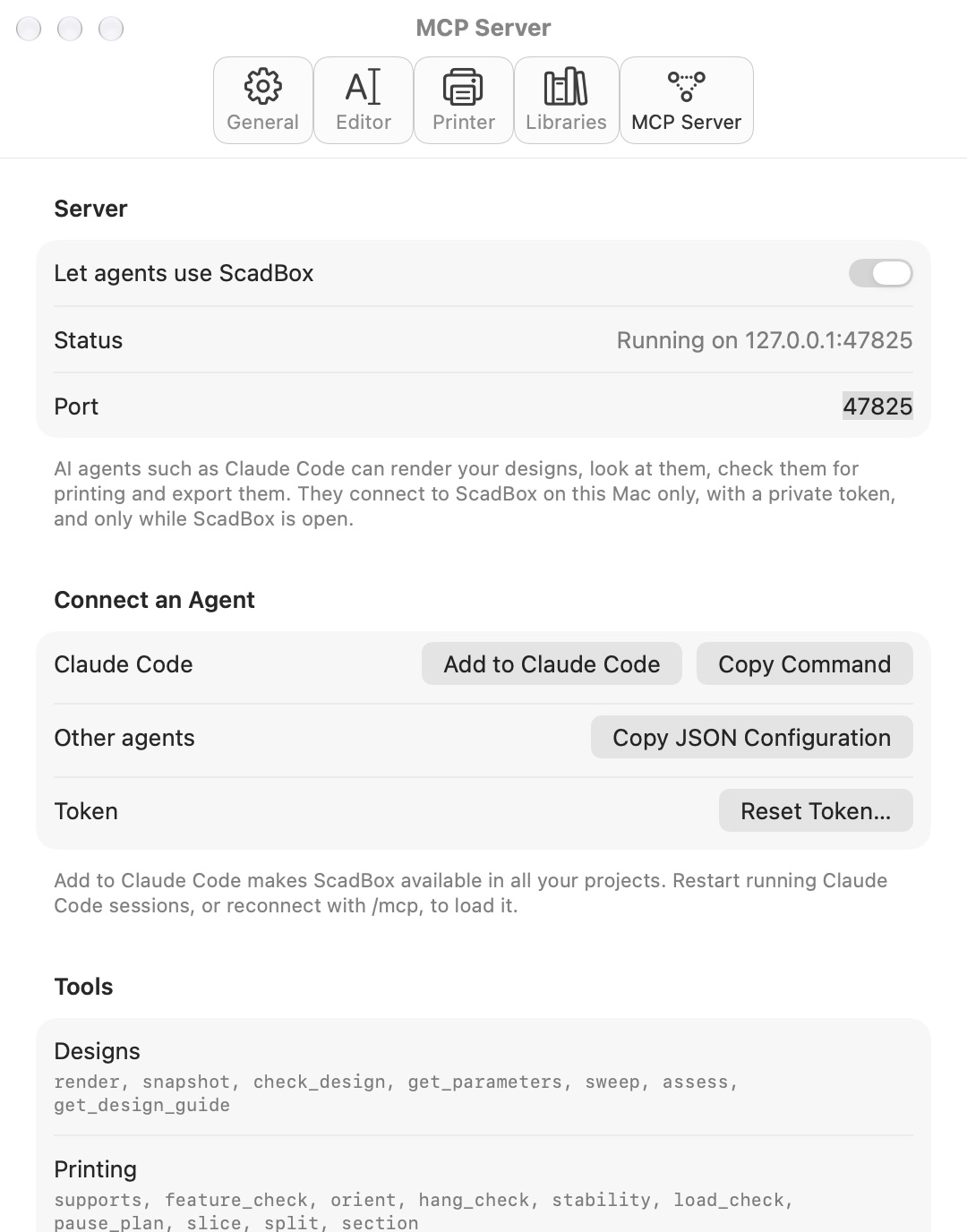
When an agent has to guess a size, it marks it as an estimate. The customizer lists each one under "Measure before printing", with what to measure, so nothing is printed on a guess.
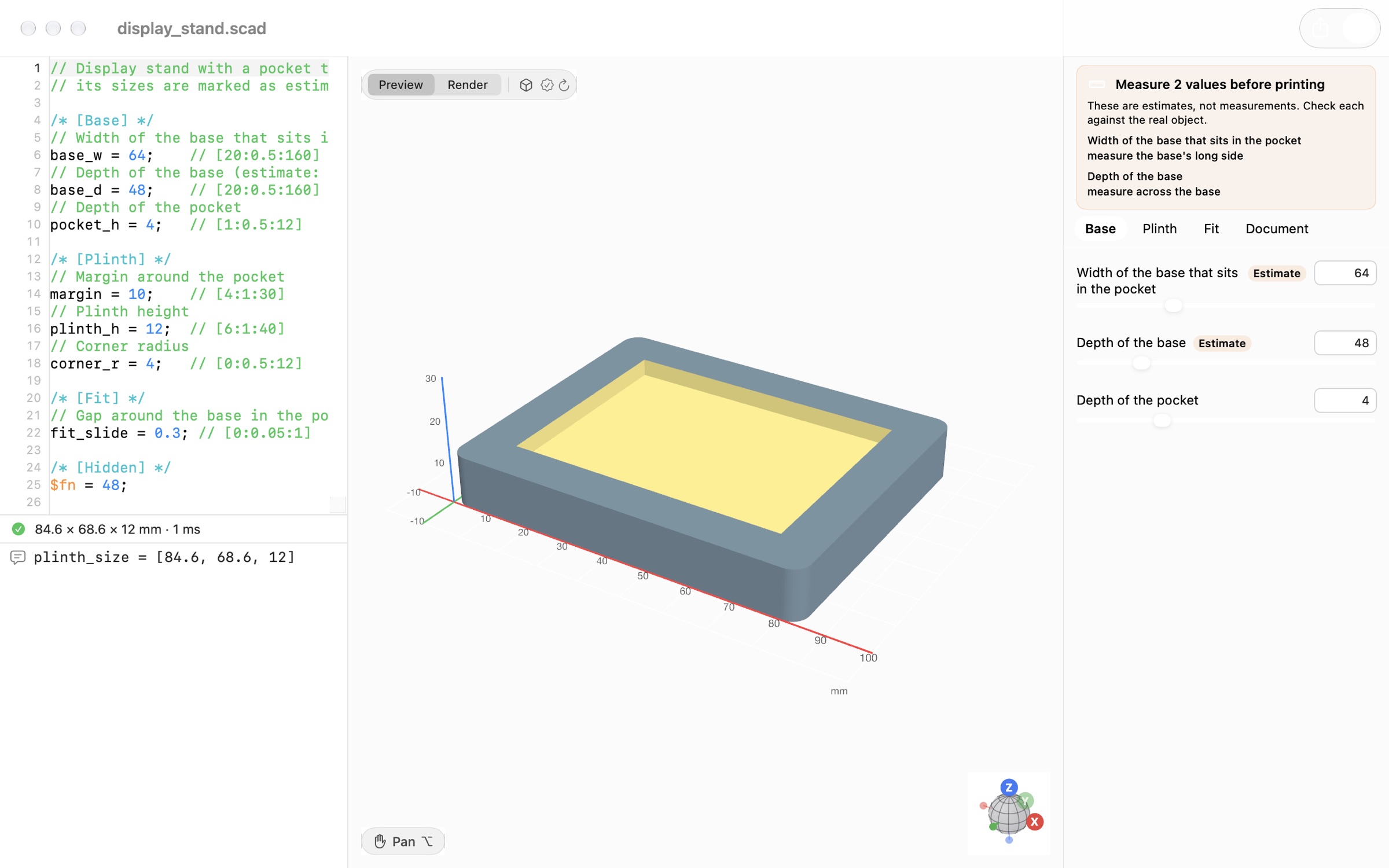
Every example is a parametric design: move its sliders to make it yours.
Raised letters in a second colour, printed with one filament change. Pick the font from your own fonts.
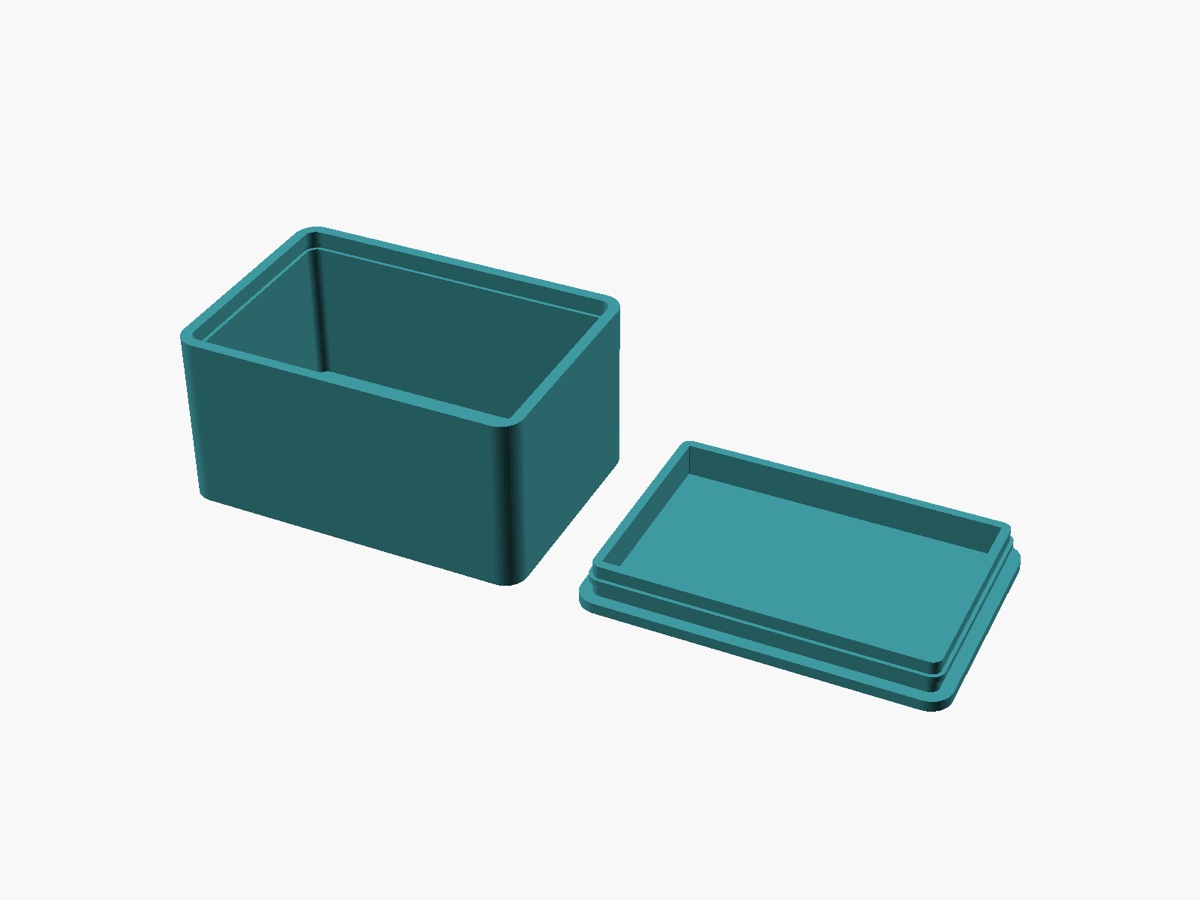
A box and lid that snap together, with fits from your printer profile.
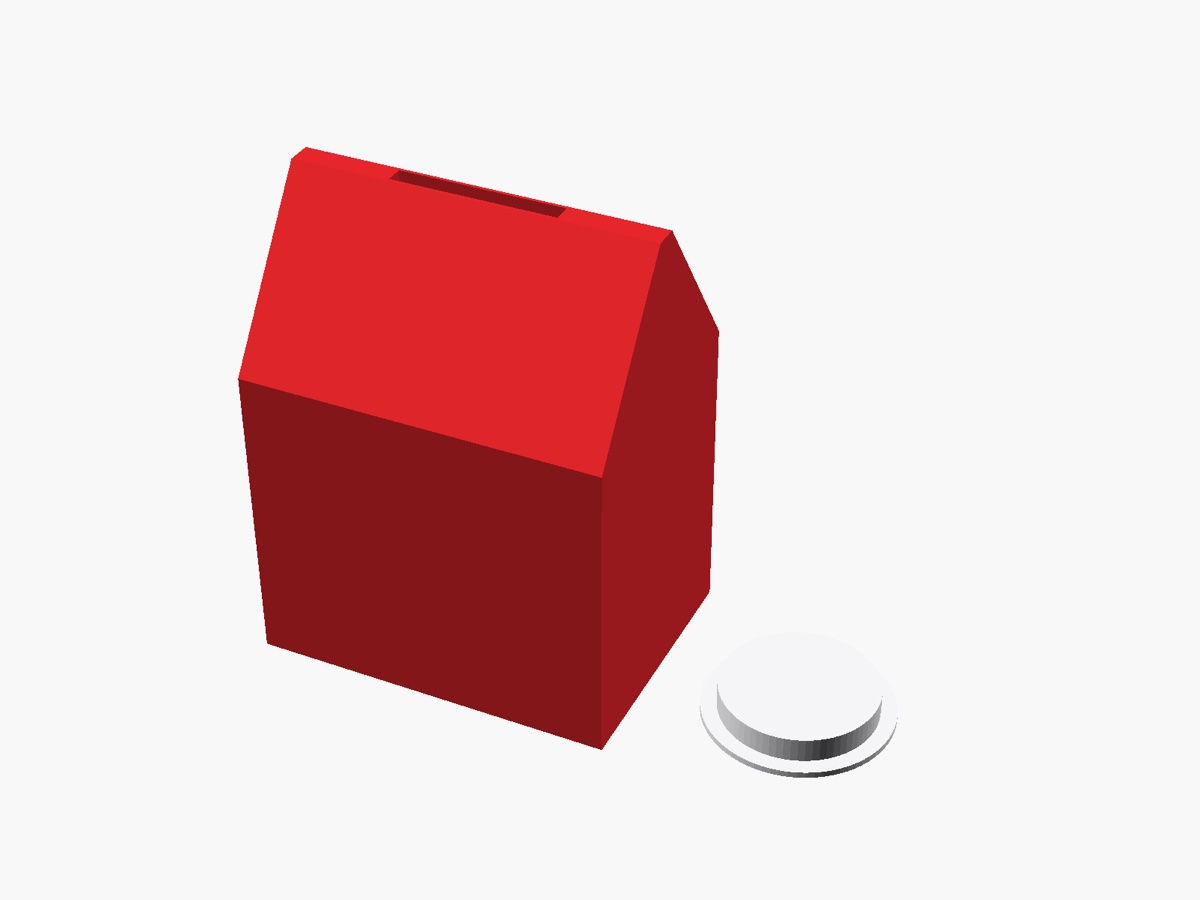
Prints in one piece with no supports inside. Try a flat roof and see what Print Check finds.
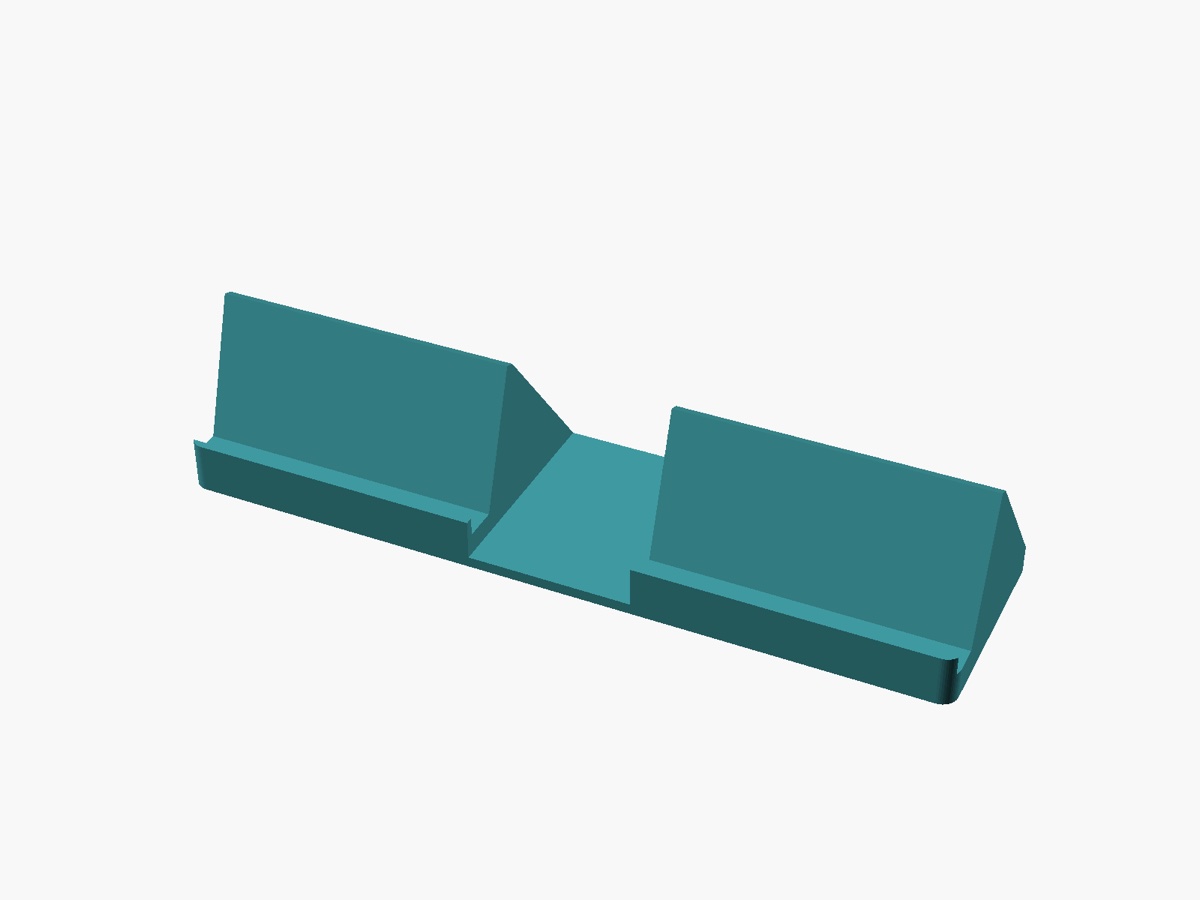
Two phones side by side in landscape, with the ports and buttons left clear. One piece, no supports.
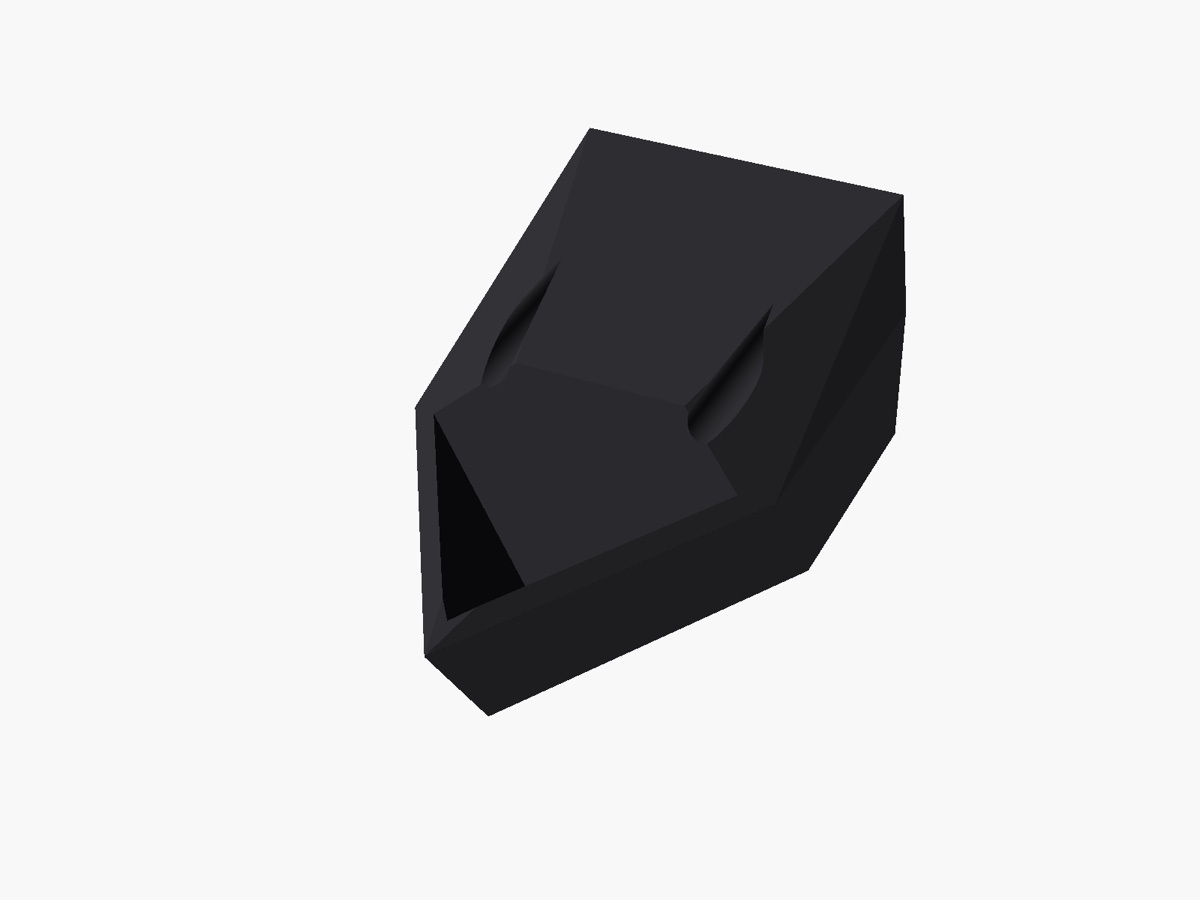
Holds an award cube on the wall by a face, edge or corner, with the screws hidden behind it.
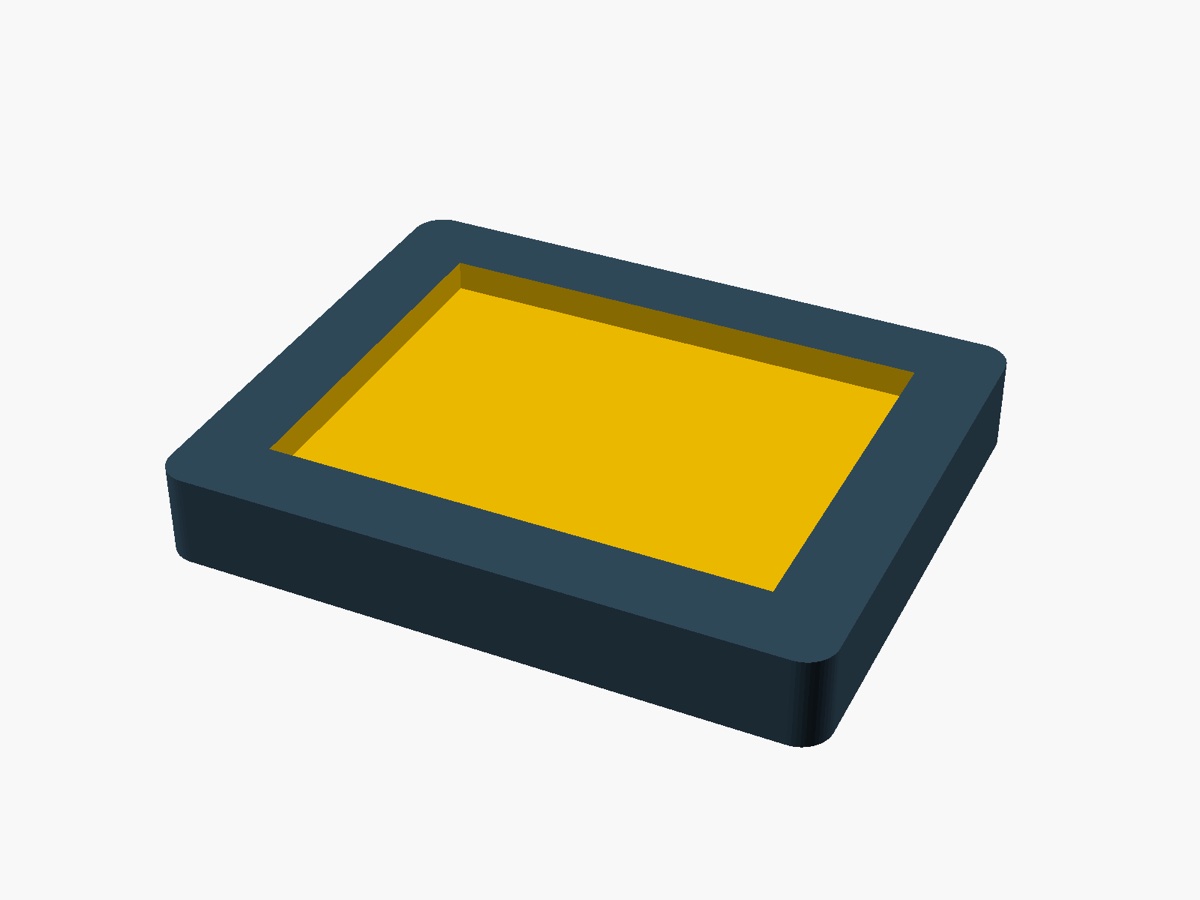
A pocket a model's base drops into. Its sizes are marked as estimates to measure.
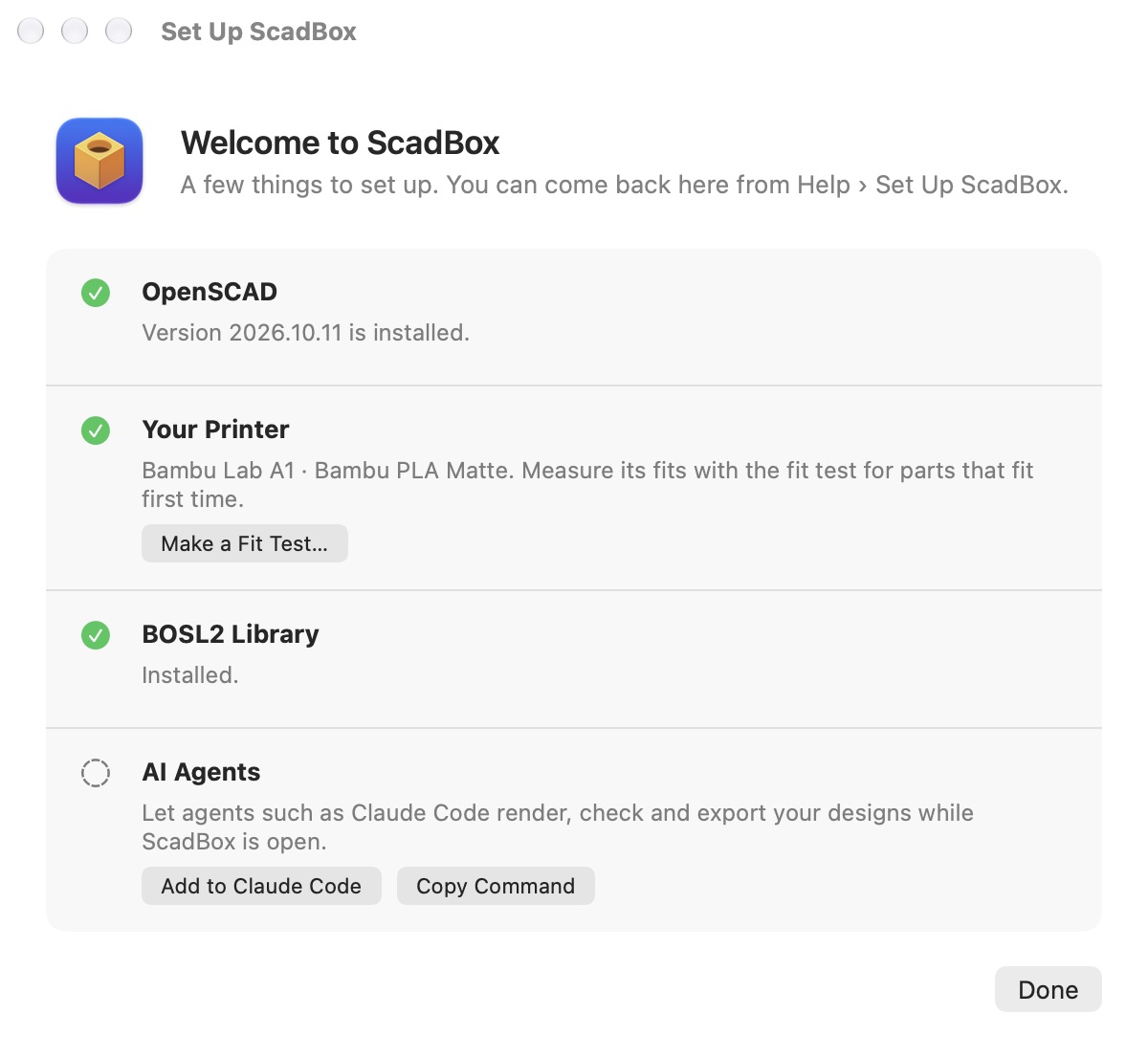
ScadBox finds OpenSCAD or helps you install it, lets you start from your slicer's printer presets, installs the BOSL2 library in one click, and gives you the command to connect Claude Code.