How to install BOSL2 for OpenSCAD on a Mac
Updated 19 November 2026
Download BOSL2 from github.com/BelfrySCAD/BOSL2, name the folder BOSL2 and put it in ~/Documents/OpenSCAD/libraries, so that ~/Documents/OpenSCAD/libraries/BOSL2/std.scad exists. Then start your design with include <BOSL2/std.scad>. In ScadBox, opening a design that uses BOSL2 shows an Install BOSL2 button that downloads a pinned release, checks it against its SHA-256 checksum and puts it in the same folder.
What BOSL2 is
BOSL2, the Belfry OpenSCAD Library v2, is a free library (BSD 2-clause licence) that adds what plain OpenSCAD makes hard: rounded and chamfered edges, attaching parts to each other's faces, threads, screws, gears, hinges, joiners such as dovetails, sweeps and text. If you've been building a thread out of hand-rolled polygons, BOSL2 does it in one line.
Install it by hand
- Open github.com/BelfrySCAD/BOSL2 and download a release from its tags, or the current code with Code › Download ZIP.
- Unzip it. The folder will be named something like
BOSL2-2.0.788orBOSL2-master. Rename it to exactlyBOSL2. - In Finder, go to your Documents folder and open
OpenSCAD/libraries. Create theOpenSCADandlibrariesfolders if they don't exist. - Move the
BOSL2folder intolibraries. You should now have~/Documents/OpenSCAD/libraries/BOSL2/std.scad.
If you use git, one command does the same and makes updating a git pull:
mkdir -p ~/Documents/OpenSCAD/libraries
git clone https://github.com/BelfrySCAD/BOSL2.git ~/Documents/OpenSCAD/libraries/BOSL2
~/Documents/OpenSCAD/libraries is OpenSCAD's user library folder on macOS. Anything in it can be included by its path inside that folder, without a full path in your design.
Install it with ScadBox
Open a design that includes BOSL2, and if OpenSCAD can't find it, ScadBox shows a banner: This design uses BOSL2, which isn't installed. Click Install BOSL2 and ScadBox:
- downloads a pinned BOSL2 release (2.0.788 at the time of writing) from GitHub,
- checks the download against the SHA-256 checksum built into ScadBox, so a changed or damaged file is rejected,
- puts it in
~/Documents/OpenSCAD/libraries, where OpenSCAD finds it. No git needed.
If you already have BOSL2 somewhere else, Use My Own Copy… points ScadBox at the folder that holds it instead. A copy you installed yourself, or a git checkout, is never changed.
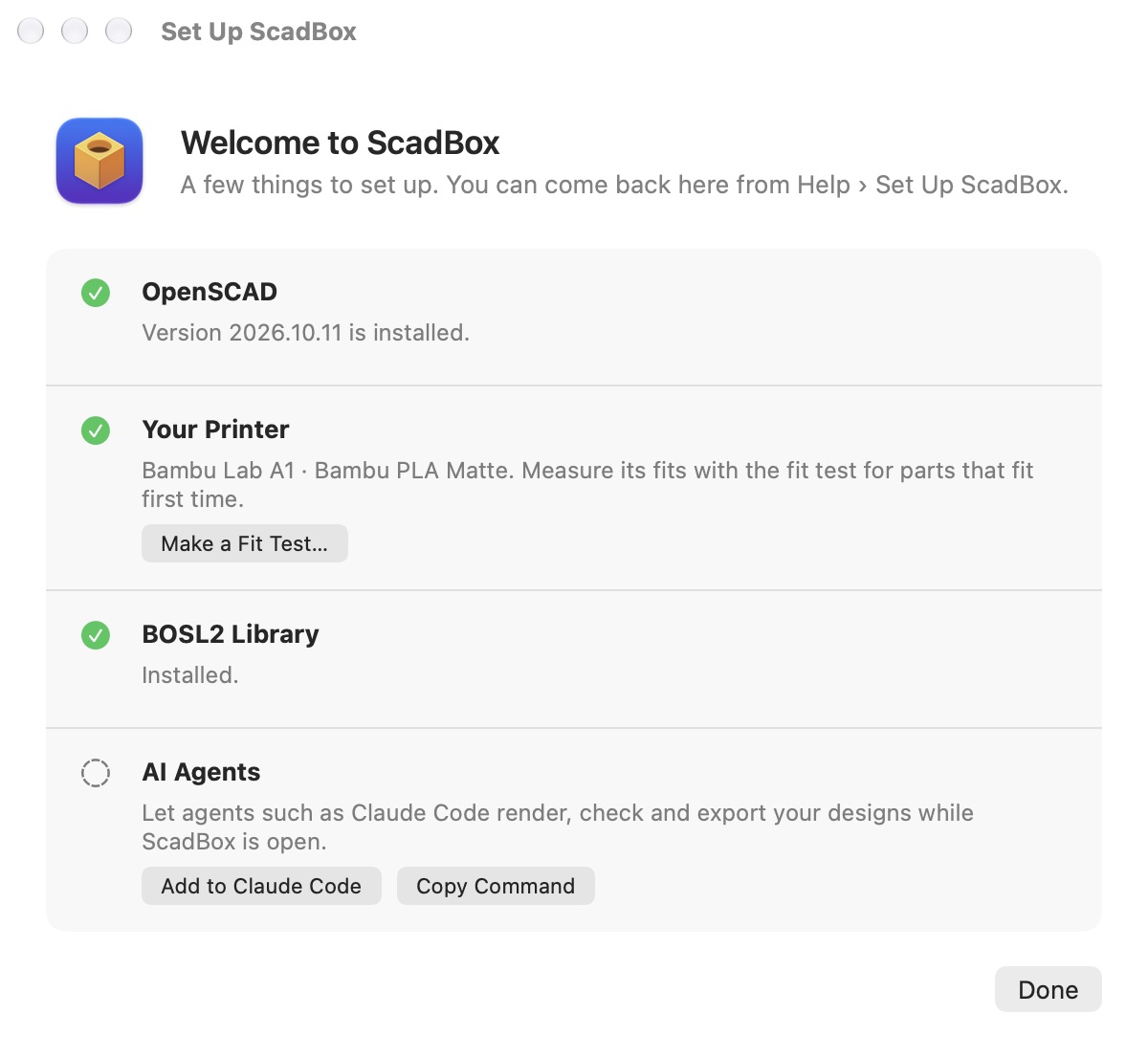
You can also install it ahead of time from Settings › Libraries, which shows whether BOSL2 is installed and its version, offers Update when a newer pinned release is available for a copy ScadBox installed, and Show in Finder. The Set Up ScadBox window (Help › Set Up ScadBox…) has the same step.
Use it in a design
BOSL2 is loaded with include, not use. Start the file with:
include <BOSL2/std.scad>

// A block with rounded edges, 40 × 30 × 20 mm
cuboid([40, 30, 20], rounding = 3);
Some parts of BOSL2 are in their own files, which you include as well. Threads, for example:
include <BOSL2/std.scad>
include <BOSL2/threading.scad>

// An M10 × 1.5 threaded rod, 30 mm long
threaded_rod(d = 10, l = 30, pitch = 1.5, $fn = 48);
If the 3D view stays empty and the console (⇧⌘Y) warns that it can't open BOSL2/std.scad, the folder is in the wrong place or has the wrong name. Check that std.scad sits directly inside a folder called BOSL2.
BOSL2 and AI agents
ScadBox's design guide tells agents to use BOSL2 for threads, rounding, gears and hinges instead of building them by hand. Through the MCP server, the libraries tool reports whether BOSL2 is installed, installs or updates it, and returns a cheat sheet of the modules most designs need, each one an example that renders, so an agent such as Claude Code uses BOSL2's real functions rather than ones it half remembers. Agents also say in the file's header that the design needs BOSL2, so whoever opens it next knows.
Keep fit clearances as your design's own parameters even when BOSL2 makes the part. A thread that's perfect on one printer can bind on another; see 3D print tolerances.
Questions
- Where is the OpenSCAD library folder on a Mac?
- ~/Documents/OpenSCAD/libraries, inside your Documents folder. Create the OpenSCAD and libraries folders if they don't exist. OpenSCAD finds libraries placed there by their path inside that folder.
- Should I use include or use for BOSL2?
- include. BOSL2 is written to be included, with include <BOSL2/std.scad> at the top of the file, plus include lines for extra files such as BOSL2/threading.scad.
- Is BOSL2 free?
- Yes. BOSL2 is free and open source under the BSD 2-clause licence, and can be used in your own designs.
- Will ScadBox change a copy of BOSL2 I installed myself?
- No. ScadBox only updates a copy it installed. A copy you put there yourself, or a git checkout, is left alone.